We know that emailing is not something that all students do often before they arrive at Colby. But email is the main way that most professors, deans, and other folks at Colby keep you informed about what you need to know. So here are some email hacks to keep you informed and help you communicate professionally.
ESSENTIAL EMAIL INFO
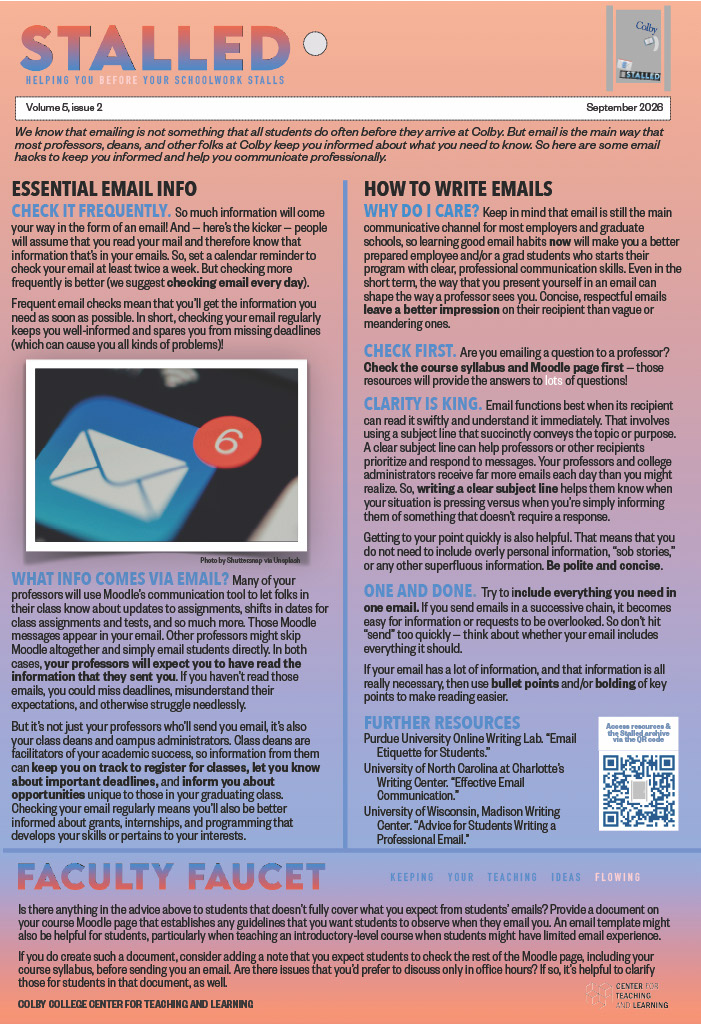
CHECK IT FREQUENTLY. So much information will come your way in the form of an email! And — here’s the kicker — people will assume that you read your mail and therefore know that information that’s in your emails. So, set a calendar reminder to check your email at least twice a week. But checking more frequently is better (we suggest checking email every day).
Frequent email checks mean that you’ll get the information you need as soon as possible. In short, checking your email regularly keeps you well-informed and spares you from missing deadlines (which can cause you all kinds of problems)!
WHAT INFO COMES VIA EMAIL? Many of your professors will use Moodle’s communication tool to let folks in their class know about updates to assignments, shifts in dates for class assignments and tests, and so much more. Those Moodle messages appear in your email. Other professors might skip Moodle altogether and simply email students directly. In both cases, your professors will expect you to have read the information that they sent you. If you haven’t read those emails, you could miss deadlines, misunderstand their expectations, and otherwise struggle needlessly.
But it’s not just your professors who’ll send you email, it’s also your class deans and campus administrators. Class deans are facilitators of your academic success, so information from them can keep you on track to register for classes, let you know about important deadlines, and inform you about opportunities unique to those in your graduating class. Checking your email regularly means you’ll also be better informed about grants, internships, and programming that develops your skills or pertains to your interests.
HOW TO WRITE EMAILS
WHY DO I CARE? Keep in mind that email is still the main communicative channel for most employers and graduate schools, so learning good email habits now will make you a better prepared employee and/or a grad students who starts their program with clear, professional communication skills. Even in the short term, the way that you present yourself in an email can shape the way a professor sees you. Concise, respectful emails leave a better impression on their recipient than vague or meandering ones.
CHECK FIRST. Are you emailing a question to a professor? Check the course syllabus and Moodle page first — those resources will provide the answers to lots of questions!
CLARITY IS KING. Email functions best when its recipient can read it swiftly and understand it immediately. That involves using a subject line that succinctly conveys the topic or purpose. A clear subject line can help professors or other recipients prioritize and respond to messages. Your professors and college administrators receive far more emails each day than you might realize. So, writing a clear subject line helps them know when your situation is pressing versus when you’re simply informing them of something that doesn’t require a response.
Getting to your point quickly is also helpful. That means that you do not need to include overly personal information, “sob stories,” or any other superfluous information. Be polite and concise.
ONE AND DONE. Try to include everything you need in one email. If you send emails in a successive chain, it becomes easy for information or requests to be overlooked. So don’t hit “send” too quickly — think about whether your email includes everything it should.
If your email has a lot of information, and that information is all really necessary, then use bullet points and/or bolding of key points to make reading easier.
FURTHER RESOURCES
Purdue University Online Writing Lab. “Email Etiquette for Students.”
University of North Carolina at Charlotte’s Writing Center. “Effective Email Communication.”
University of Wisconsin, Madison Writing Center. “Advice for Students Writing a Professional Email.”
FACULTY FAUCET
Is there anything in the advice above to students that doesn’t fully cover what you expect from students’ emails? Provide a document on your course Moodle page that establishes any guidelines that you want students to observe when they email you. An email template might also be helpful for students, particularly when teaching an introductory-level course when students might have limited email experience.
If you do create such a document, consider adding a note that you expect students to check the rest of the Moodle page, including your course syllabus, before sending you an email. Are there issues that you’d prefer to discuss only in office hours? If so, it’s helpful to clarify those for students in that document, as well.