Helping you before your schoolwork stalls

Category: speaking

Group presentations (3.12)

Successful presentations involve a lot of planning and careful thought, and presenting in groups offers some additional challenges. These suggestions on planning and execution can help enhance your next group presentation. And be sure to schedule time for the whole group to practice at least 2 full run-throughs!
GROUP PRESENTATION PLANNING

CLEARLY DELEGATE TASKS. Every presentation should be carefully planned, but planning takes on added importance when you’re working in a group. One way to allocate tasks fairly is to create a shared planning document.Using a platform like Google Docs allows all members of the group access to the same document. 

On this document, list all tasks that must be undertaken to complete the creation of the presentation. Be specific, and include everything from research and the creation of tables and figures to slide creation and editing. Specify the different parts of the presentation, and allocate the tasks as fairly as you can, based on equality of workload and taking into account different skills and interests. Indicate the name of the person who will complete each task, and create a column with checkboxes to indicate when a task is done. If a task has to be completed by a certain date, indicate that date on the same document (a table is a good format in which to create this list).

Keeping a shared planning document helps everyone know the progress of all parts of the presentation. Additionally, if anyone becomes sick, or if the initial allocation of tasks demanded more work of some group members, this document will allow the group to re-allocate tasks when/if needed. 

Remember, too, that all group members should speak for roughly the same amount of time (unless the instructor specifies otherwise), so you’ll need to divide up the speaking roles for the group members fairly.

VISUAL UNITY. Before anyone creates any slides for the presentation (if the presentation will have visuals), decide as a group on what the slides should look like. Aim for consistency across all of the slides. Together, decide:

  • Is there a shared template that everyone should use, and if so, does everyone have access to it?
  • What color palette will the group use? If figures need to be created, make sure the people creating them know what colors should be used.
  • About how much text should appear on any one slide? Remember not to crowd the slides with too much text.
  • If animations are used, which type(s)?
  • What font will the group use?
  • Will the group use a particular kind of illustration style (icons, background, photographs, other)?

PRESENTING IN A GROUP

HANDOFFS. How will you transition from one speaker to the next? You might simply memorize the last line that the speaker before you says. Alternatively, you might mention the next presenter by name as a way to cue them (e.g. “Next, Emma will provide an overview of this theory’s development throughout the 19th century”). Make sure all group members know the plan.

PRACTICE TOGETHER. Practice together as a group, completing at least 2 full run-throughs of the presentation (more, if you have the time). This will let you see how the different slides work together, and you will practice how transitions work between speakers. Practicing will also allow you to decide how to advance the slides — will each person advance their own slides?

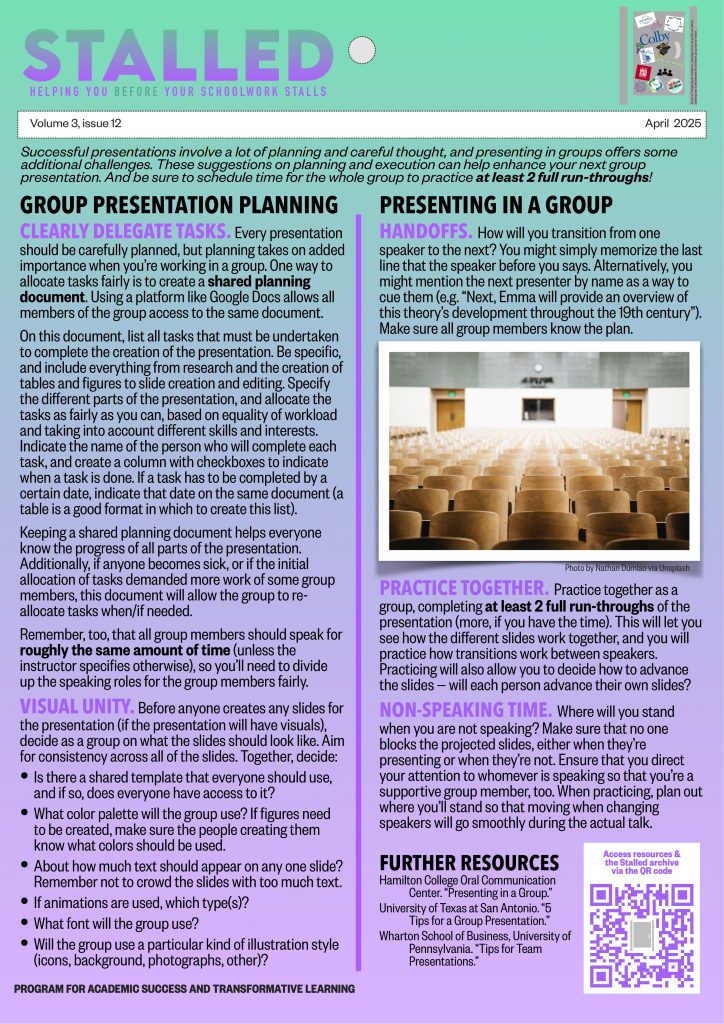
NON-SPEAKING TIME. Where will you stand when you are not speaking? Make sure that no one blocks the projected slides, either when they’re presenting or when they’re not. Ensure that you direct your attention to whomever is speaking so that you’re a supportive group member, too. When practicing, plan out where you’ll stand so that moving when changing speakers will go smoothly during the actual talk.

FURTHER RESOURCES 

Hamilton College Oral Communication Center. “Presenting in a Group.”

University of Texas at San Antonio. “5 Tips for a Group Presentation.”

Wharton School of Business, University of Pennsylvania. “Tips for Team Presentations.”
Presentation Q&A sessions (2.10)

You’ve researched, planned, and delivered a presentation. But how do you handle the question and answer (Q & A) period afterwards? Read on for advice on Q & A time during poster sessions and after presentations.

WHY HAVE Q&A AFTER A TALK?

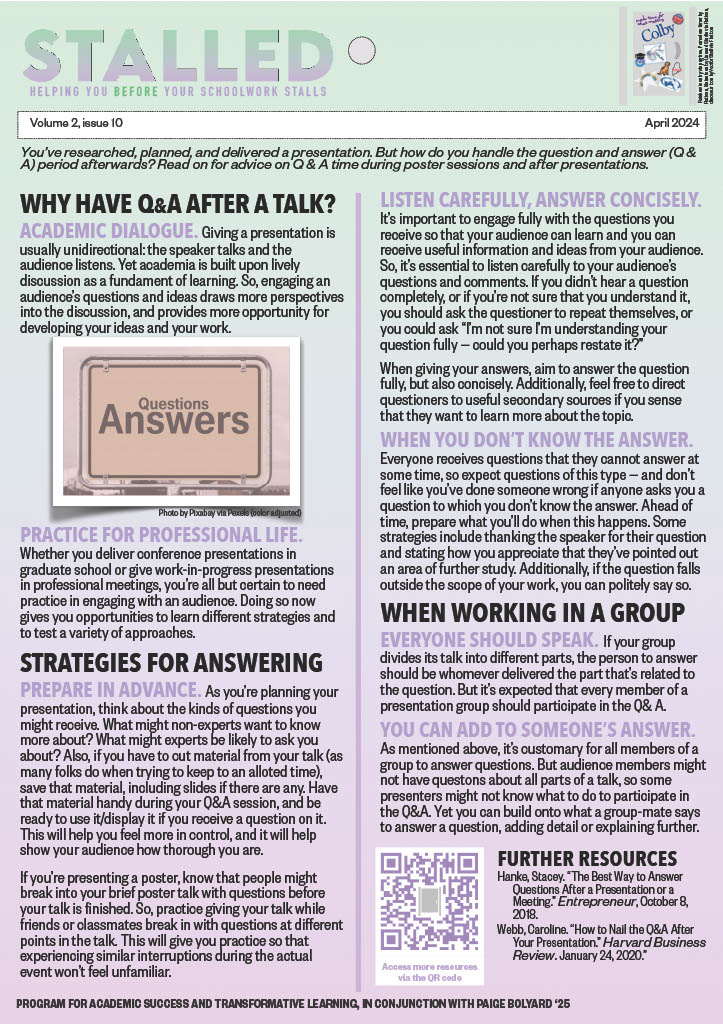
ACADEMIC DIALOGUE. Giving a presentation is usually unidirectional: the speaker talks and the audience listens. Yet academia is built upon lively discussion as a fundament of learning. So, engaging an audience’s questions and ideas draws more perspectives into the discussion, and provides more opportunity for developing your ideas and your work.

PRACTICE FOR PROFESSIONAL LIFE. Whether you deliver conference presentations in graduate school or give work-in-progress presentations in professional meetings, you’re all but certain to need practice in engaging with an audience. Doing so now gives you opportunities to learn different strategies and to test a variety of approaches.

STRATEGIES FOR ANSWERING

PREPARE IN ADVANCE. As you’re planning your presentation, think about the kinds of questions you might receive. What might non-experts want to know more about? What might experts be likely to ask you about? Also, if you have to cut material from your talk (as many folks do when trying to keep to an alloted time), save that material, including slides if there are any. Have that material handy during your Q&A session, and be ready to use it/display it if you receive a question on it. This will help you feel more in control, and it will help show your audience how thorough you are.

If you’re presenting a poster, know that people might break into your brief poster talk with questions before your talk is finished. So, practice giving your talk while friends or classmates break in with questions at different points in the talk. This will give you practice so that experiencing similar interruptions during the actual event won’t feel unfamiliar.

LISTEN CAREFULLY, ANSWER CONCISELY.It’s important to engage fully with the questions you receive so that your audience can learn and you can receive useful information and ideas from your audience. So, it’s essential to listen carefully to your audience’s questions and comments. If you didn’t hear a question completely, or if you’re not sure that you understand it, you should ask the questioner to repeat themselves, or you could ask “I’m not sure I’m understanding your question fully — could you perhaps restate it?”

When giving your answers, aim to answer the question fully, but also concisely. Additionally, feel free to direct questioners to useful secondary sources if you sense that they want to learn more about the topic.

WHEN YOU DON’T KNOW THE ANSWER.Everyone receives questions that they cannot answer at some time, so expect questions of this type — and don’t feel like you’ve done someone wrong if anyone asks you a question to which you don’t know the answer. Ahead of time, prepare what you’ll do when this happens. Some strategies include thanking the speaker for their question and stating how you appreciate that they’ve pointed out an area of further study. Additionally, if the question falls outside the scope of your work, you can politely say so. 

WHEN WORKING IN A GROUP

EVERYONE SHOULD SPEAK. If your group divides its talk into different parts, the person to answer should be whomever delivered the part that’s related to the question. But it’s expected that every member of a presentation group should participate in the Q& A. 

YOU CAN ADD TO SOMEONE’S ANSWER. As mentioned above, it’s customary for all members of a group to answer questions. But audience members might not have questons about all parts of a talk, so some presenters might not know what to do to participate in the Q&A. Yet you can build onto what a group-mate says to answer a question, adding detail or explaining further. 

FURTHER RESOURCES 

Hanke, Stacey. “The Best Way to Answer Questions After a Presentation or a Meeting.” Entrepreneur, October 8, 2018.

Webb, Caroline. “How to Nail the Q&A After Your Presentation.” Harvard Business Review. January 24, 2020.

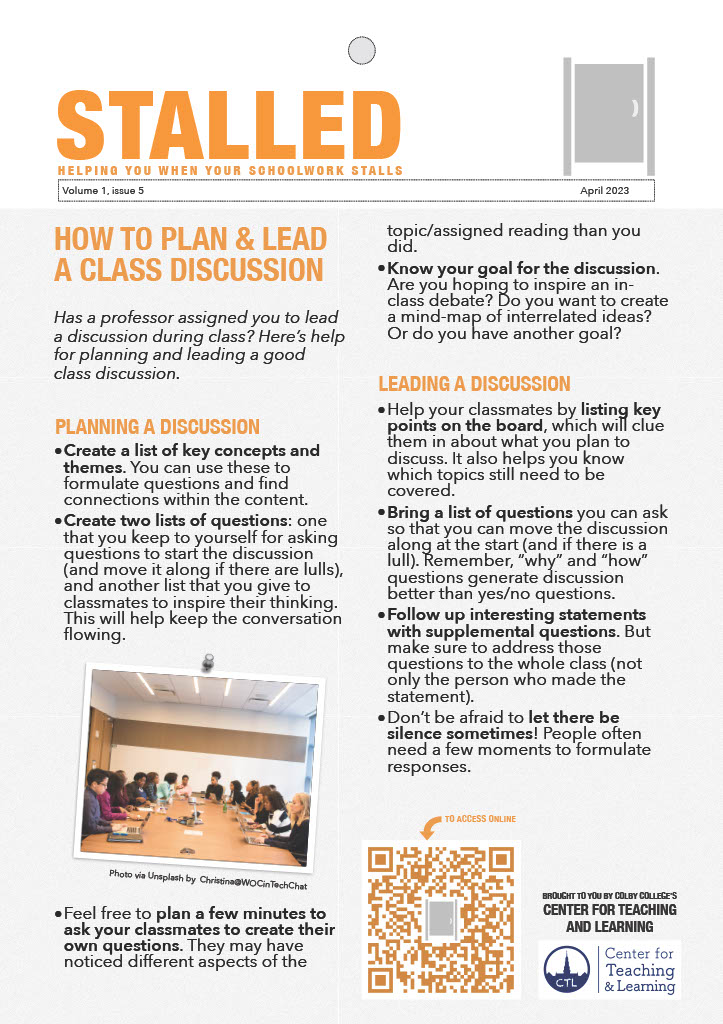
How to plan & lead a class discussion (1.6)

Stalled poster 1.6 (text is pasted below)

Has a professor assigned you to lead a discussion during class? Here’s help for creating and fostering a good class discussion.

PLANNING A DISCUSSION

  • Create a list of key concepts and themes. You can use these to formulate questions and find connections within the content.

  • Create two lists of questions, one that you keep to yourself for asking questions to start the discussion (and move it along if there are lulls), and another list that you give to classmates to inspire their thinking. This will help keep the conversation flowing.

  • Feel free to plan a few minutes to ask your classmates to create their own questions. They may have noticed different aspects of the topic/assigned reading than you did.

  • Know your goal for the discussion. Are you hoping to inspire an in-class debate? Do you want to create a mind-map of interrelated ideas? Do you want a range of points of view represented? Or do you have another goal?


LEADING A DISCUSSION
  • Help your classmates by listing key points on the board, which will clue them in about what you plan to discuss. It also helps you know which topics still need to be covered.

  • Bring a list of questions you can ask so that you can move the discussion along at the start (and if there is a lull). Remember, “why” and “how” questions generate discussion better than yes/no questions.

  • Follow up interesting statements with supplemental questions. But make sure to address those questions to the whole class (not only the person who made the statement).

  • Don’t be afraid to let there be silence! People often need a few moments to formulate responses, so let those silences unfold.

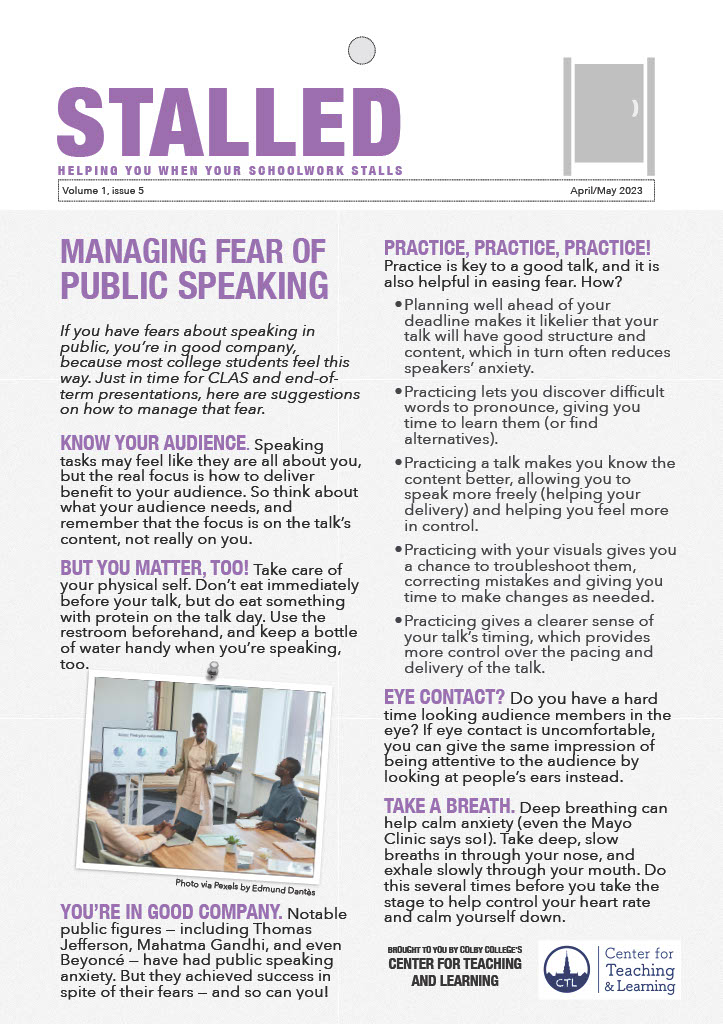
Managing fear of public speaking (1.5)

Stalled poster 1.5 (text is pasted below)


If you have fears about speaking in public, you’re in good company, because most college students feel this way. Just in time for CLAS and end-of-term presentations, here are suggestions on how to manage that fear.

KNOW YOUR AUDIENCE. Speaking tasks may feel like they are all about you, but the real focus is how to deliver benefit to your audience. So think about what your audience needs, and remember that the focus is on the talk’s content, not really on you.

BUT YOU MATTER, TOO! Take care of your physical self. Don’t eat immediately before your talk, but do eat something with protein on the talk day. Use the restroom beforehand, and keep a bottle of water handy when you’re speaking, too.

YOU’RE IN GOOD COMPANY. Notable public figures — including Thomas Jefferson, Mahatma Gandhi, and even Beyoncé — have had public speaking anxiety. But they achieved success in spite of their fears — and so can you!

PRACTICE, PRACTICE, PRACTICE! Practice is key to a good talk, and it is also helpful in easing fear. How?

  • Planning well ahead of your deadline makes it likelier that your talk will have good structure and content, which in turn often reduces speakers’ anxiety.

  • Practicing lets you discover difficult words to pronounce, giving you time to learn them (or find alternatives).

  • Practicing a talk makes you know the content better, allowing you to speak more freely (helping your delivery) and helping you feel more in control.

  • Practicing with your visuals gives you a chance to troubleshoot them, correcting mistakes and giving you time to make changes as needed.

  • Practicing gives a clearer sense of your talk’s timing, which provides more control over the pacing and delivery of the talk.


EYE CONTACT? Do you have a hard time looking audience members in the eye? If eye contact is uncomfortable, you can give the same impression of being attentive to the audience by looking at people’s ears instead.

TAKE A BREATH. Deep breathing can help calm anxiety (even the Mayo Clinic says so!). Take deep, slow breaths in through your nose, and exhale slowly through your mouth. Do this several times before you take the stage to help control your heart rate and calm yourself down.

© 2026 Stalled

Theme by Anders Noren — Up ↑